
- In your Outlook toolbar, you will see a HubSpot Sales button or icon.
- Click this to log in to HubSpot using your work email address and HubSpot password (follow any setup prompts if needed). This will connect your Outlook account to HubSpot.
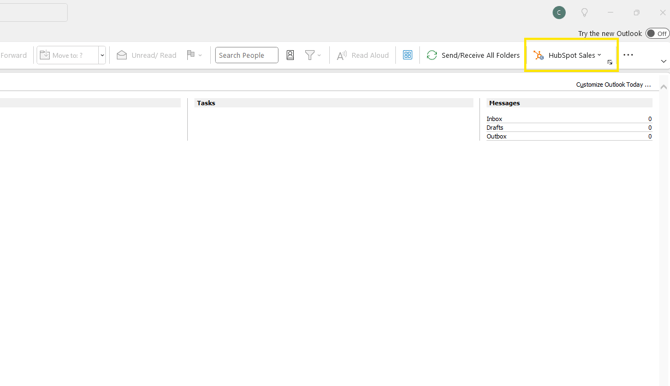
Note: everyone's Outlook may look slightly different from the example shown but you should be able to locate the a HubSpot Sales icon somewhere within your Outlook toolbar.
Note: periodically, Outlook and HubSpot may become disconnected for security re-authentication purposes. Re-log in using the steps above to reconnect Outlook and HubSpot.