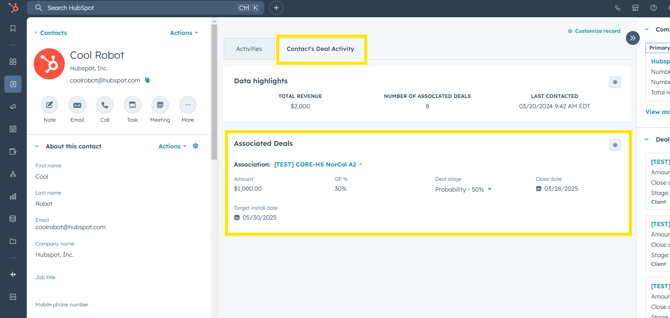
- Open the contact record for the person you want to update.
- Click the Contact's Deal Activity tab in the middle section of the contact record. This allows for easy review and updating of high-level deal details for any deal associated with this contact.
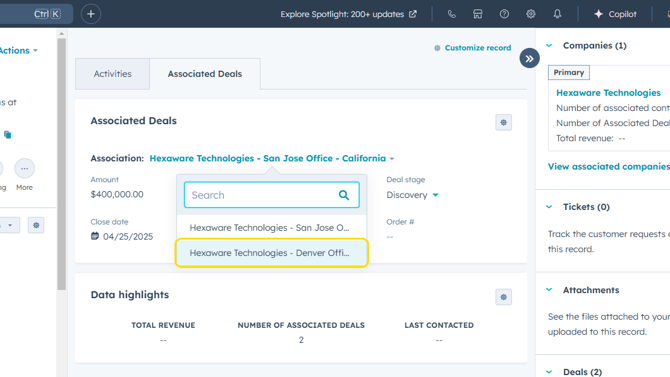
- To view the highlights of another deal with the same contact, click the down arrow to the right of the deal name shown, and a dropdown of all associated deals will appear. Select the desired deal.