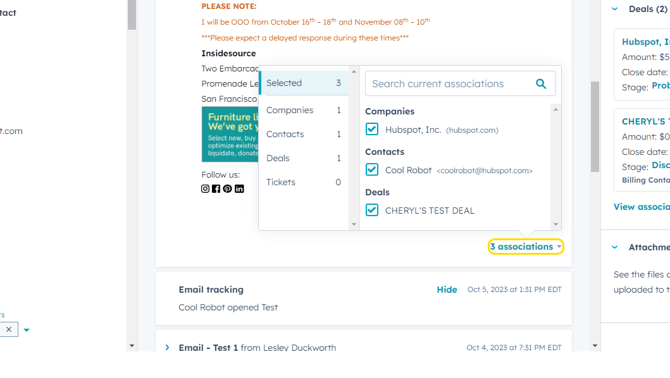
- Let's say we came across this email in a deal or contact record, and we know it doesn't have anything to do with this deal or client. (This can happen when a user logs an email from Outlook and forgets to select the appropriate associations before sending the message).
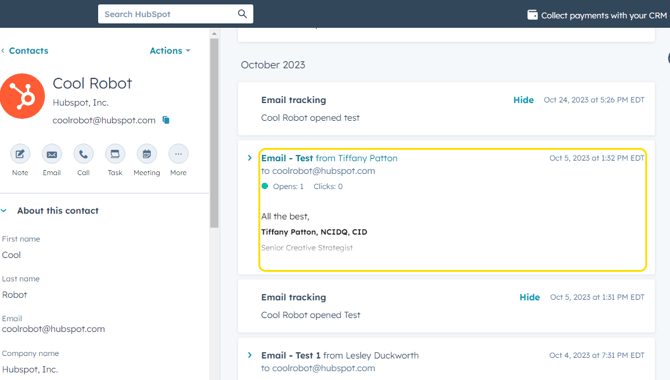
- Click anywhere in the email body to Expand the email.

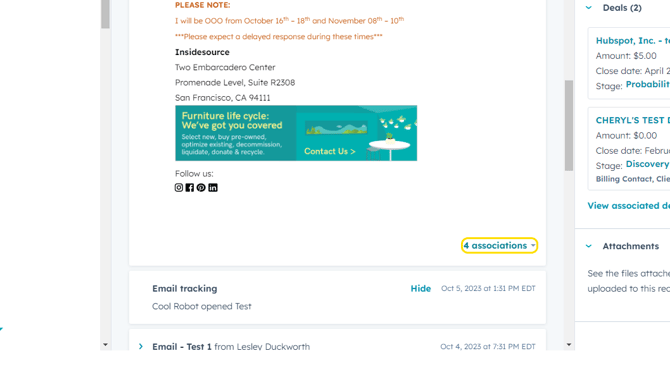
- Click Associations in the bottom right corner of the email message.
- This will open a pop-up showing all the records this email is currently associated with.
Let's say we know it should not be associated with "HubSpot Inc - test with NE team" deal. Uncheck the box and the email will be removed from that deal.
The same applies for incorrect contact association - if this email shouldn't be associated with Cool Robot, we would uncheck the box next to the contact name.
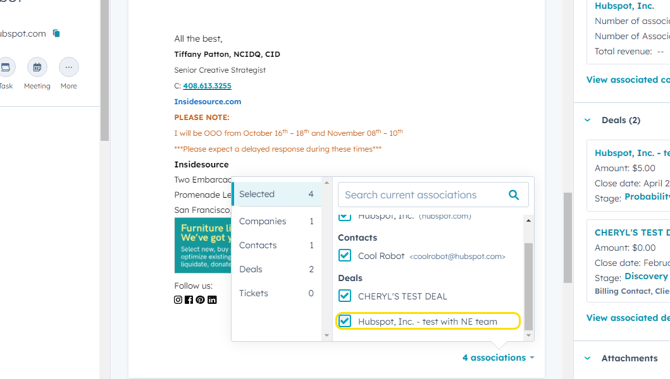
- If you want to associate the email with a different deal or contact, within this same pop-up window, click on the record type you want to associate (Companies, Contacts, Deals as shown on the left of the pop-up) and use the search bar to find the appropriate record. Check the box next to the contact or deal you want this email associate with.
- Click on Associations link again to close the pop-up window.