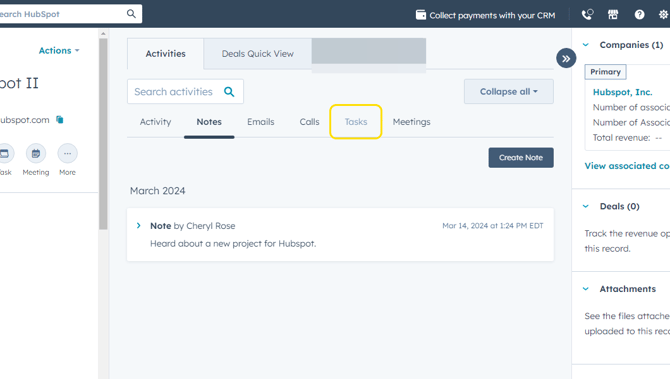
- When you're ready to log any activity to a contact record, it's easy to do! You can log activities such as notes, calls, meetings, or create tasks as to-do reminders.
For example, to log a note, click on the Notes tab on the contact record.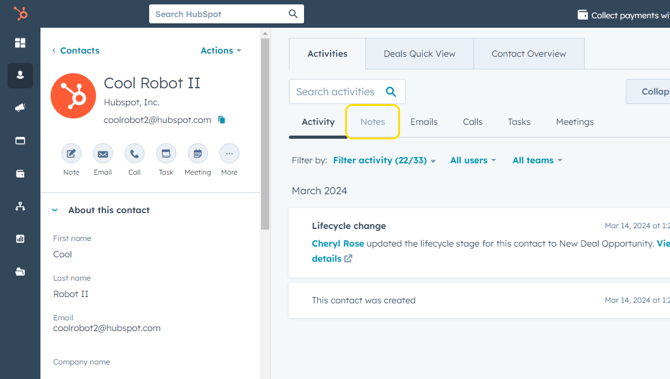
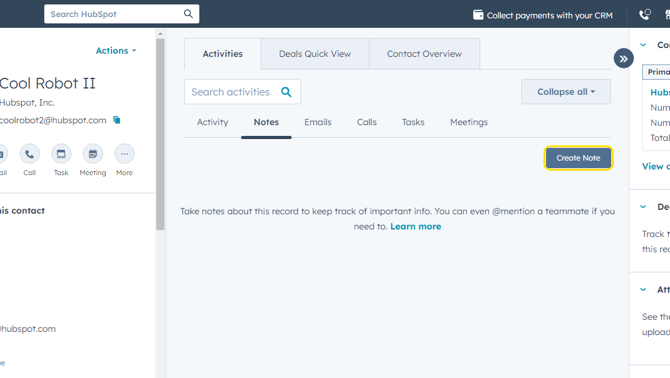
- Click on Create Note.
- Type note text in the pop-up.
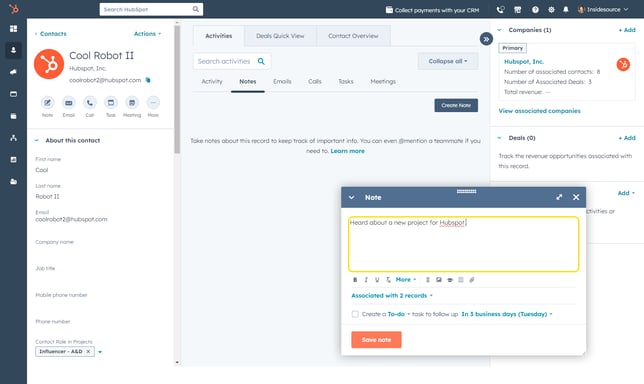
- If you'd like to create a task related to this note, check the box next to Create a To-Do and select the desired task reminder timeframe using the drop-down text.
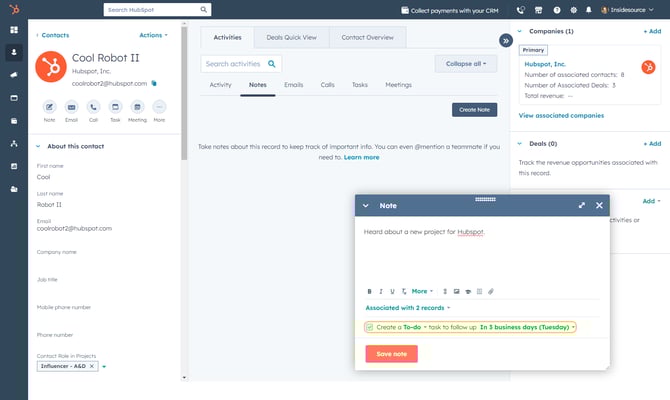
- Click on Save Note at the bottom of the pop-up.
- The note created will immediately appear on the contact record. If you created a task, you can see the task (or any other tasks you created for this contact) by clicking the Tasks tab.