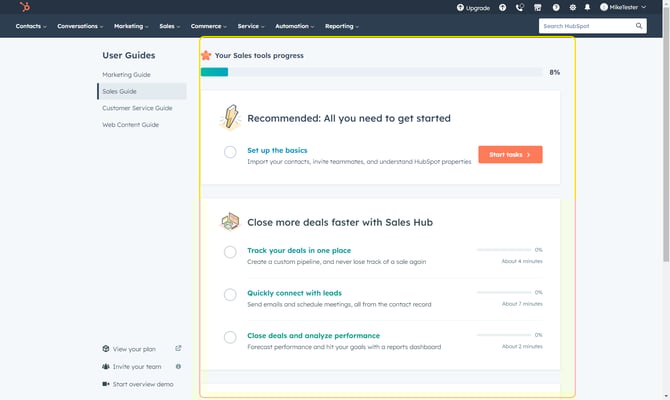
- When you first log in, you may see an onboarding guide from HubSpot. This onboarding guide is generic and while you are welcome to go through it, it is not specific to Insidesource use.
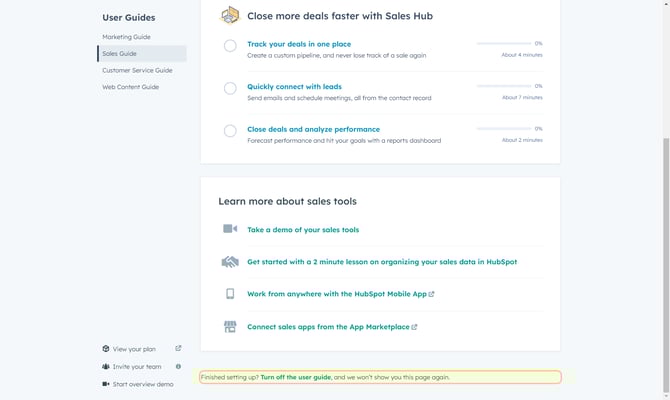
- To skip this and prevent it from coming up each time you log in, scroll to the bottom of the page and click on Turn Off The User Guide.
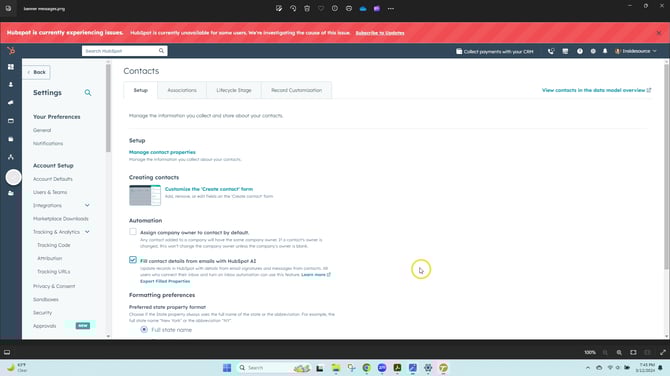
- At times, you may also see banner messages at the top of the screen in HubSpot.
Sometimes they will alert you to HubSpot-wide outages (like the example below).
Other times, there may be messages related to HubSpot functions we are testing. There is no action needed from you on any of these messages - once you've read them, you can close them using the "X" in the far right of the banner.