
- To associate a company to a contact or deal, open the contact or deal record you'd like to change. Click + Add next to Companies on the upper right.
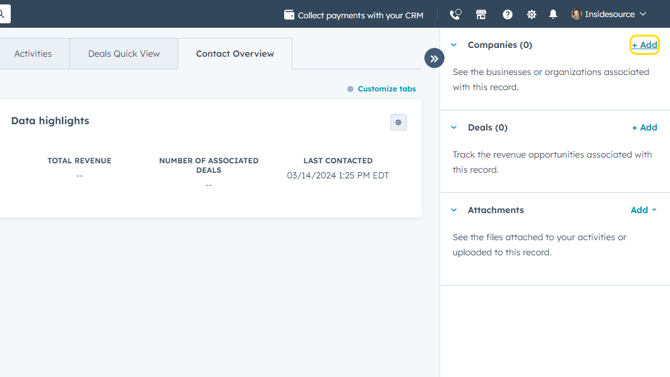
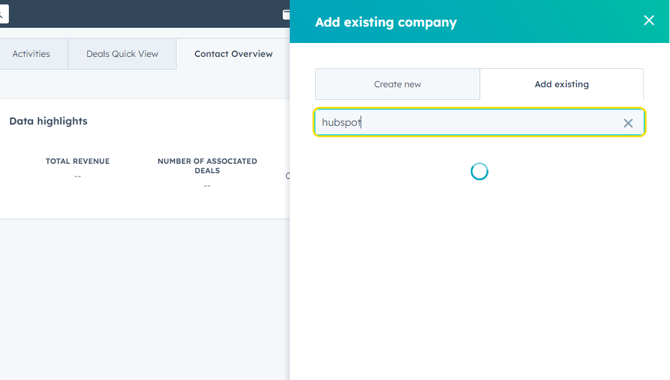
- Search for an existing company in HubSpot in the Add Existing search bar and checking the box next to the desired company name. If the company isn't already in HubSpot, you can add a new company by clicking on the Create New tab and typing in the web domain/web address of the company you'd like to add.
CHANGE THE COMPANY ASSOCIATED WITH A DEAL OR CONTACT
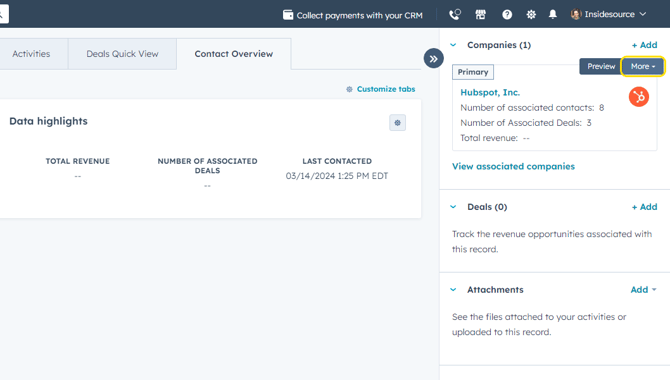
- Sometimes, you may find the wrong company is associated with your contact or deal. To change the company association, hover your mouse over the associated company name and click More.
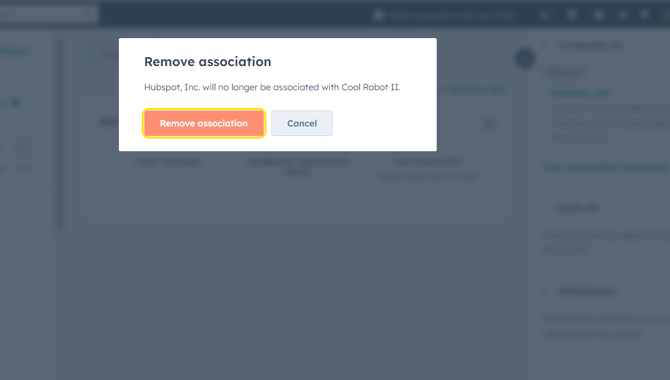
- Click Remove Association.
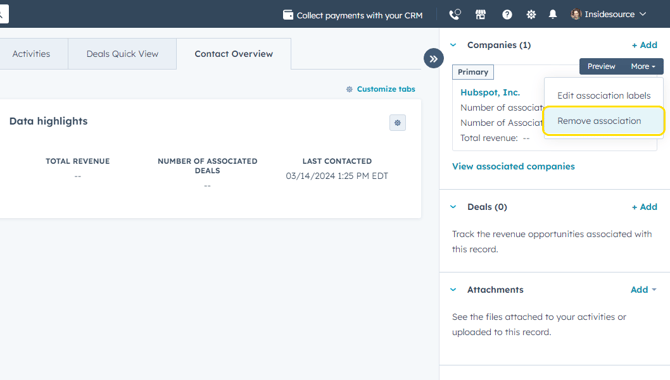
- Click Remove Association to confirm.
- Click + Add next to Companies to find and add the correct company to associate with this contact or deal. Refer to Steps 1-2 above in this tutorial to find/add a new company.