
- If there's a deal that needs team member updates, open the deal you'd like to change.
Let's say Cheryl (BD) originally started this deal in HubSpot and now it's time to hand it over to the Account Executive/Manager who will be running the deal. Click on the Deal Owner dropdown to change the deal owner.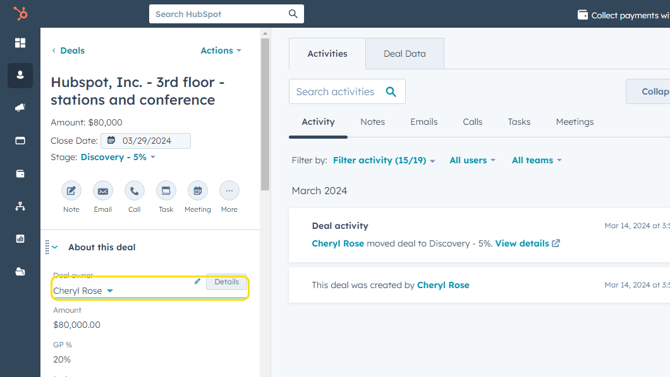
- Search for, and select the new deal owner (must be a HubSpot user).
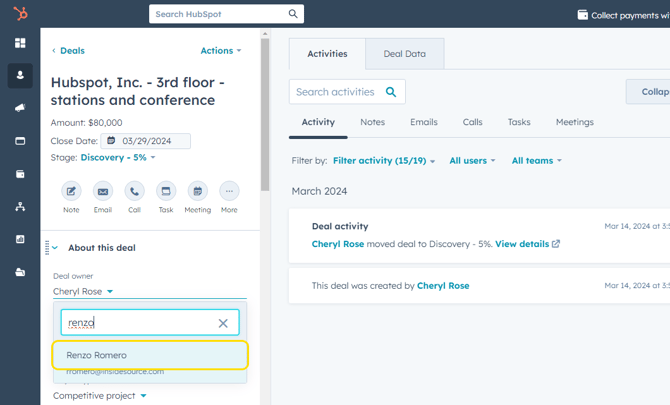
- Scroll down on the left sidebar until you see the Deal Team section. Here you can place yourself under the applicable deal team member, allowing you to keep track of deals you are a part of but don't own.
In this case, Cheryl will be dropped into the Business Development field.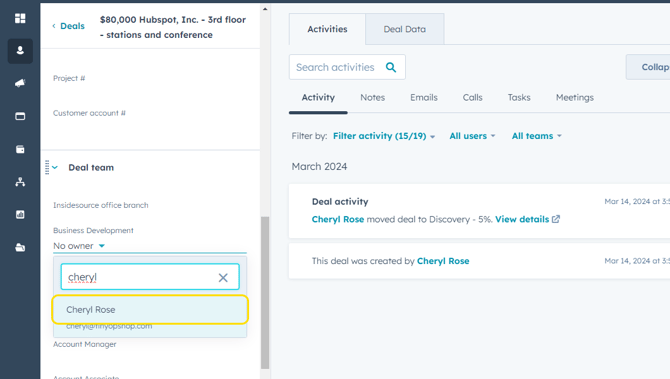
- Click Save.
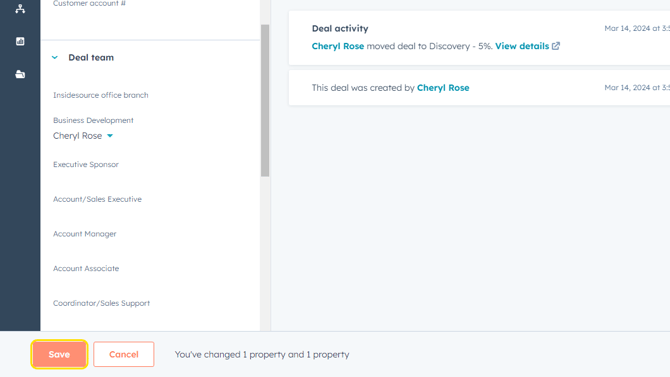
To create a dashboard tab of deals where you are on the team but don't own, view the Customizing Your Deals Dashboard tutorial.