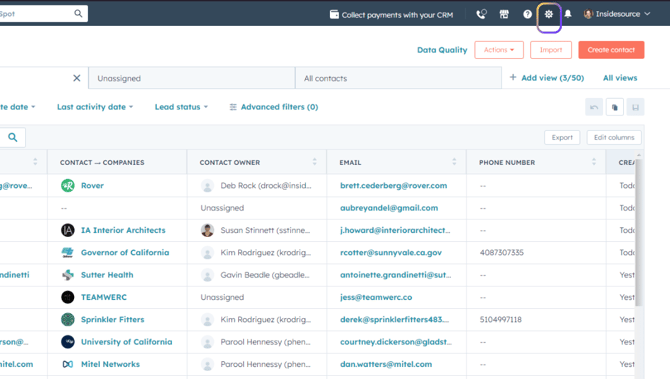
- From any screen, click on Settings (gear icon in upper right).
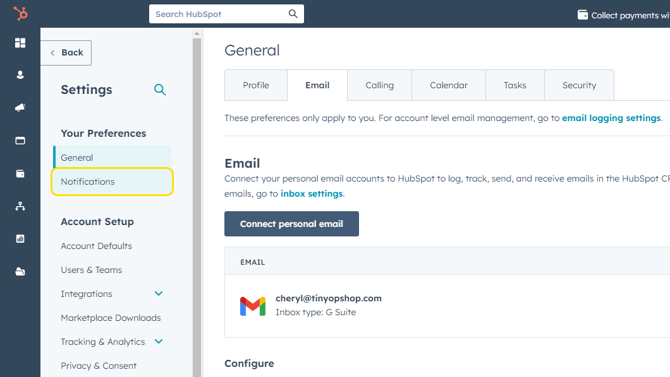
- Click on Notifications in the left sidebar.
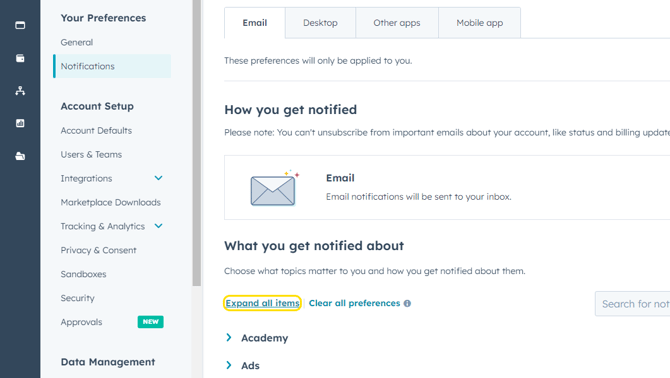
- On the Email tab, you can control what you receive email notifications about. To review/edit email notifications, click on Expand All Items.
- Review the list of email notifications - check/uncheck as desired.
- From the Desktop tab, you can follow the same steps to control what you receive notifications about on your desktop when logged into HubSpot.