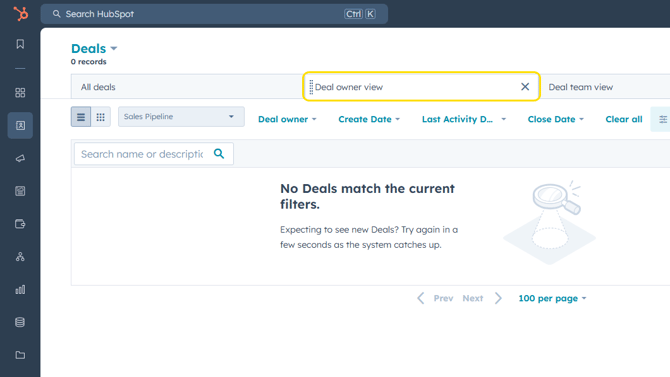
- Click CRM > Deals.

- Toggle to view your deals as a list.
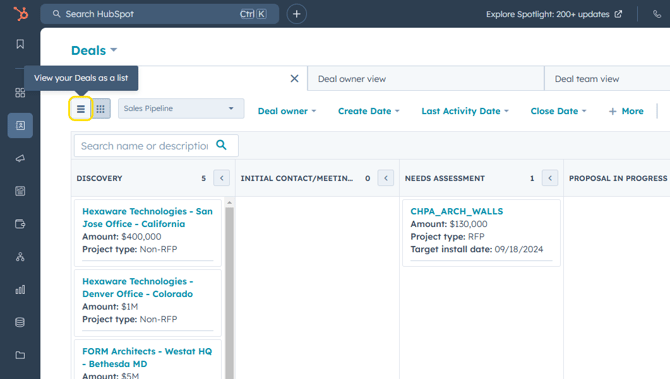
- To access the standard views, click +Add View on the deals dashboard.

- Click Deal owner view or Deal team view under the Admin Promoted column. Use the search bar to locate the Coordinator view.

- The chosen saved view tab will now appear on your deals dashboard.