There are two standardized saved views that might interest you - a list of your A&D contacts and a list of your client contacts (as determined by what you filled in on the 'Contact Role in Projects' field on the contact record).
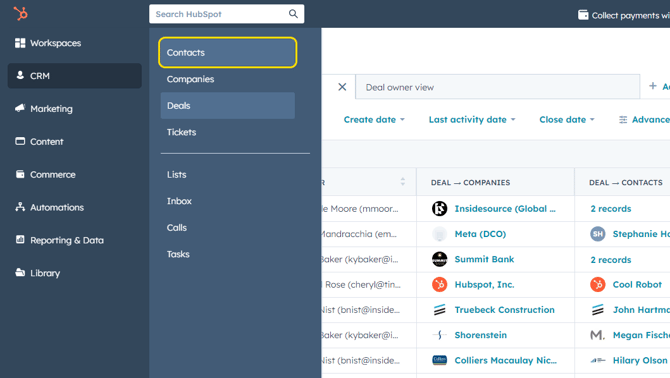
Click CRM > Contacts from the main menu.
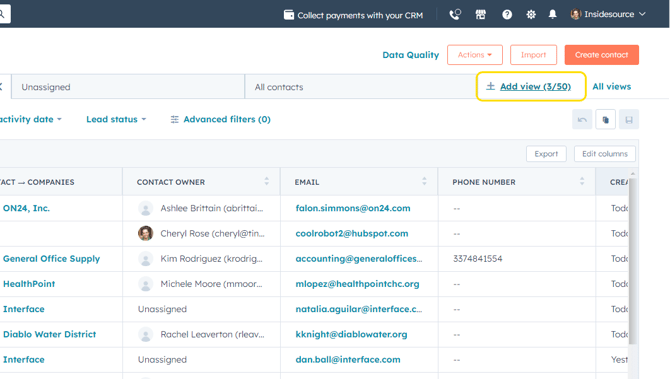
To access these standard views, click +Add View.
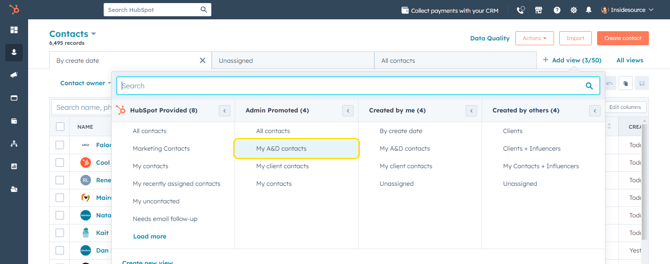
Click My A&D contacts or My client contacts under the Admin Promoted column.
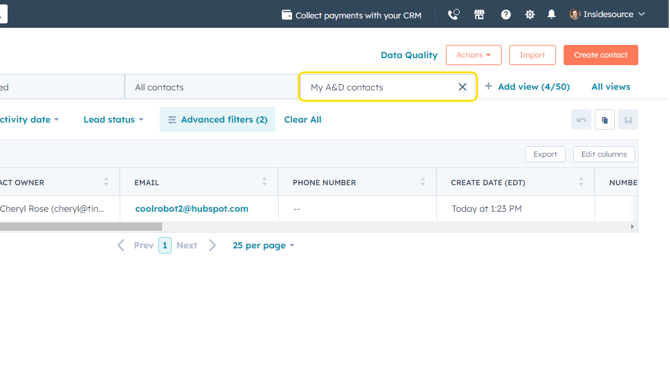
The chosen saved view tab will now appear on your contacts dashboard.