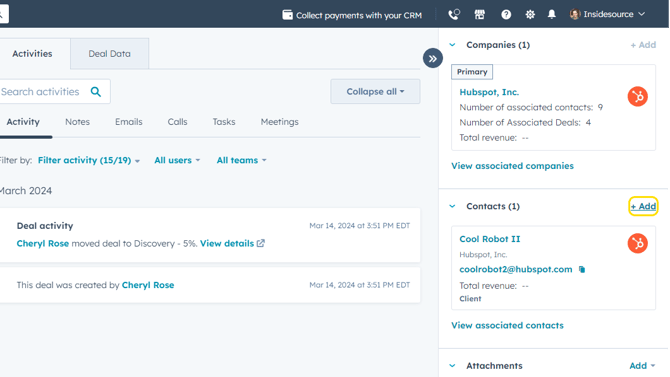
- Open the deal you want to add contacts to and click + Add next to Contacts.
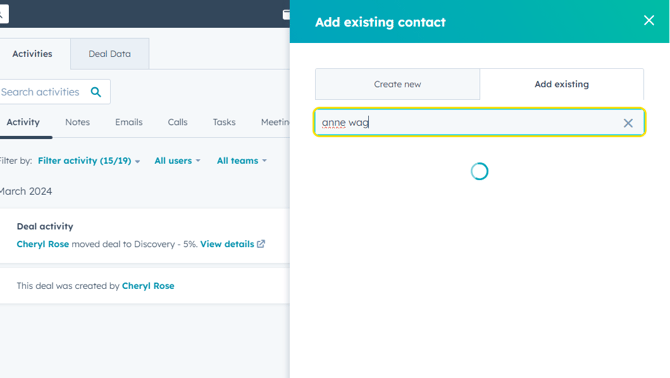
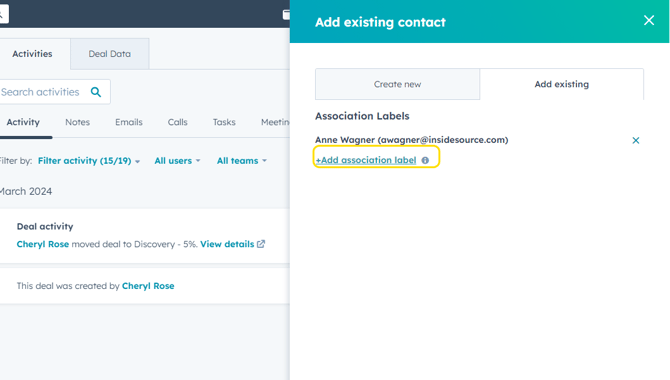
- You can search for and add an existing contact from HubSpot or click the Create New tab to add a new contact.
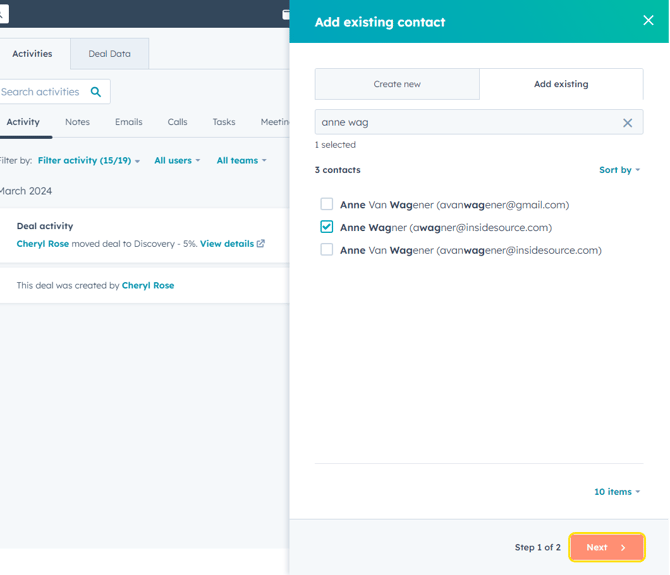
- Once you've selected the contact to add, click Next.
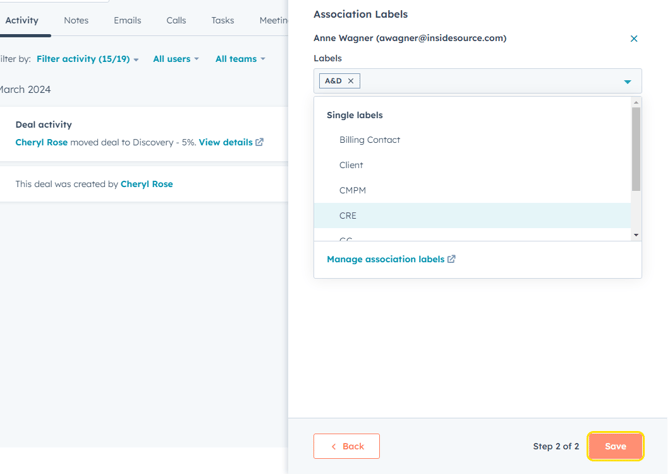
- Click +Add Association Label to add the contact's role in this project.
- Click Save.
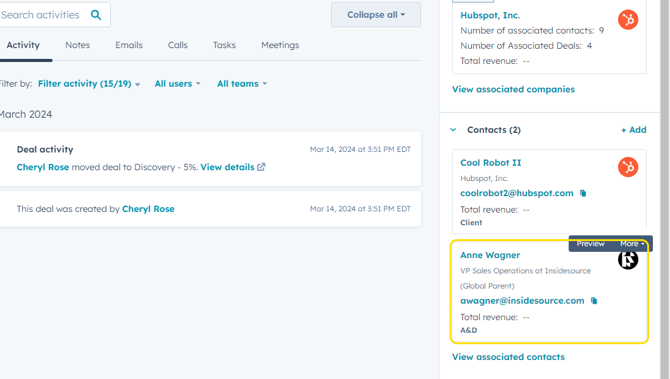
- The new contact will appear on the deal record, with their selected role association label.
ASSIGN/CHANGE A DEAL CONTACT'S ROLE
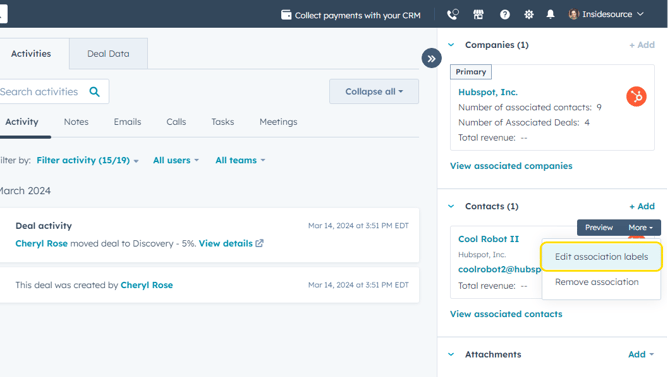
- To assign or change a role for a contact already associated to a deal, hover over a contact's name in the right sidebar of a deal, and click More.
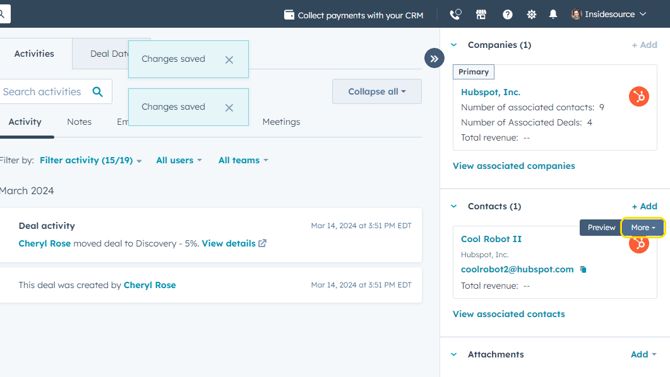
- Click Edit Association Labels.
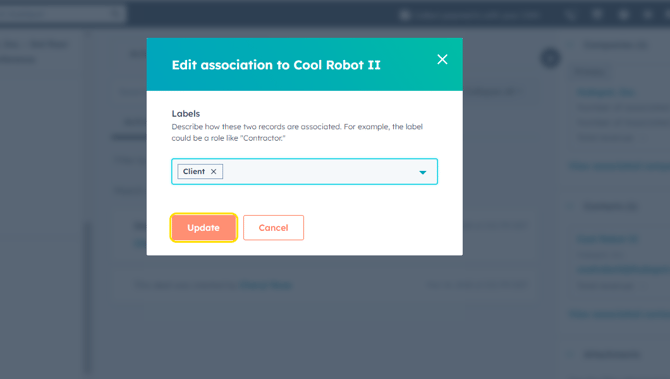
- Click on the label(s) that apply to this contact on this particular project.
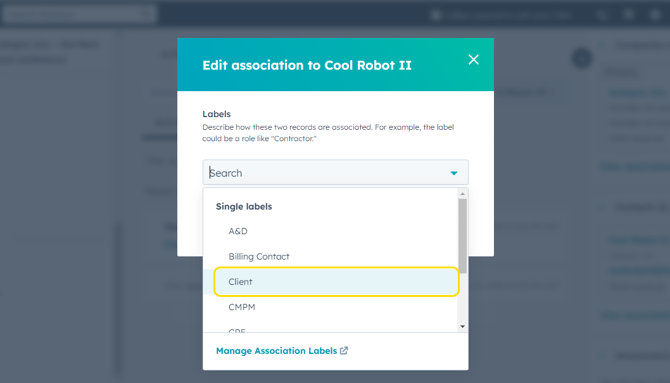
- Click Update.